
English
Remote desktop
One switch in the panel shares the computer's desktop, and the phone or the laptop then shows that desktop in a viewer and controls it.
Before you start, finish the Step zero, and keep somebody signed in at the computer's screen. The viewer shows that person's desktop.
Share the computer's desktop
- On the panel's Modules page, select your computer under Which machine.
- Select the Remote desktop tab.
- Turn on Share this machine's desktop.
- Select Apply remote desktop.
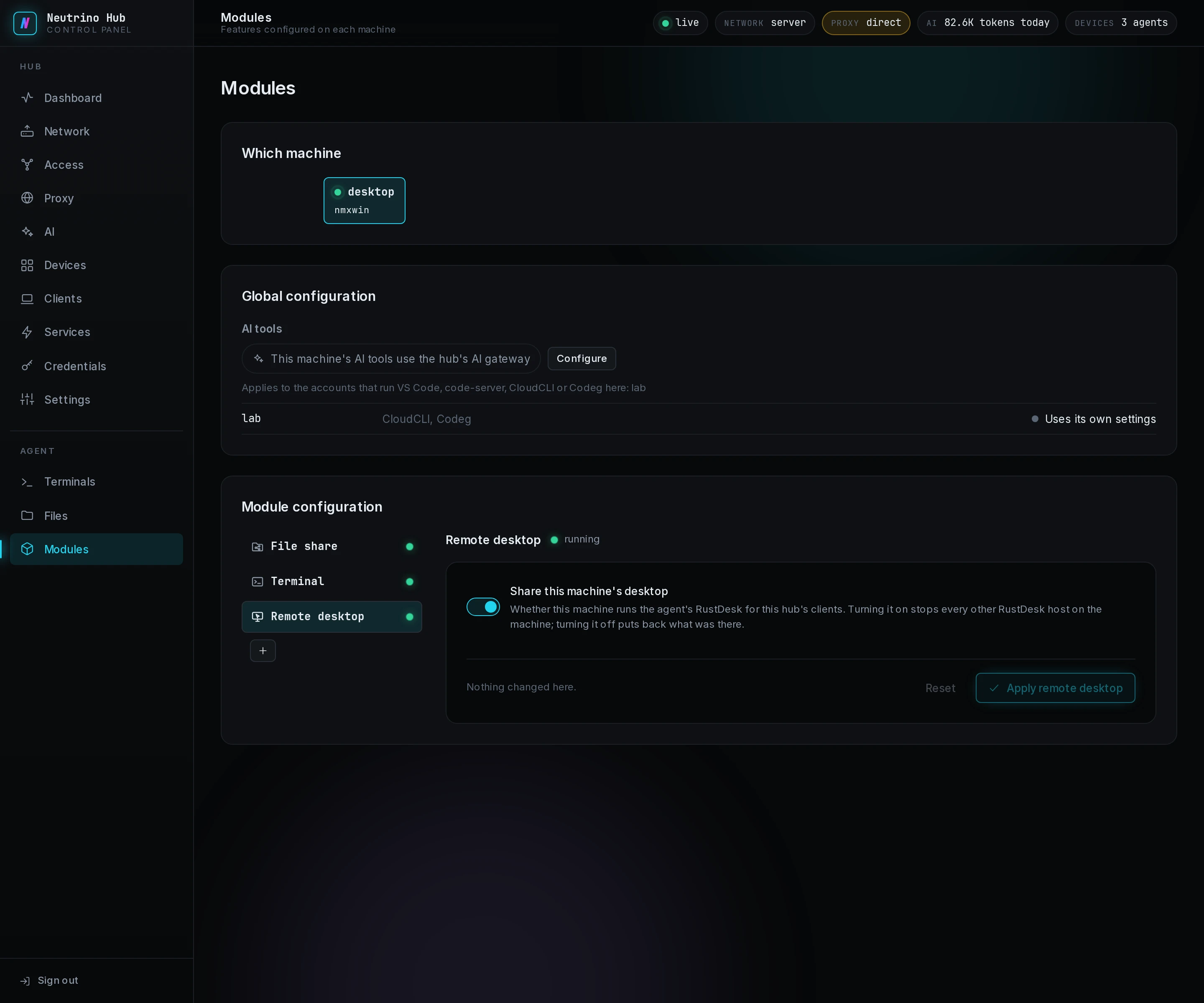
The agent on the computer includes RustDesk, so nothing downloads. On macOS, the computer's screen then shows a dialog that names RustDesk's two permissions. In System Settings > Privacy & Security, turn on RustDesk under Screen Recording and under Accessibility. If the tab shows a code after that, select Apply remote desktop again. On Linux with a Wayland session, allow the screen sharing once at the computer's screen.
Connect
- In the app or the laptop's client window, open Remote desktops.
- On your computer's row, select Connect.
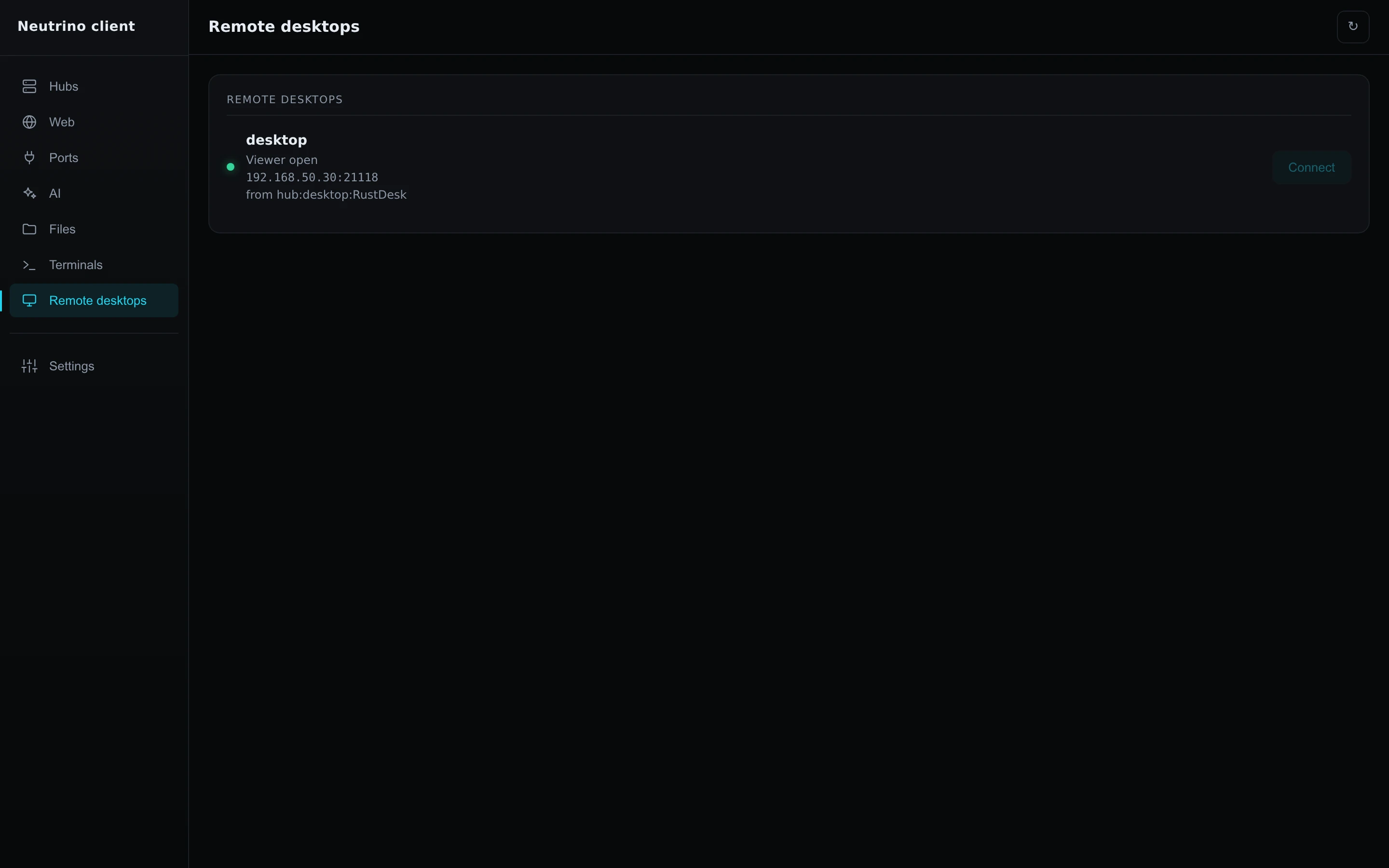
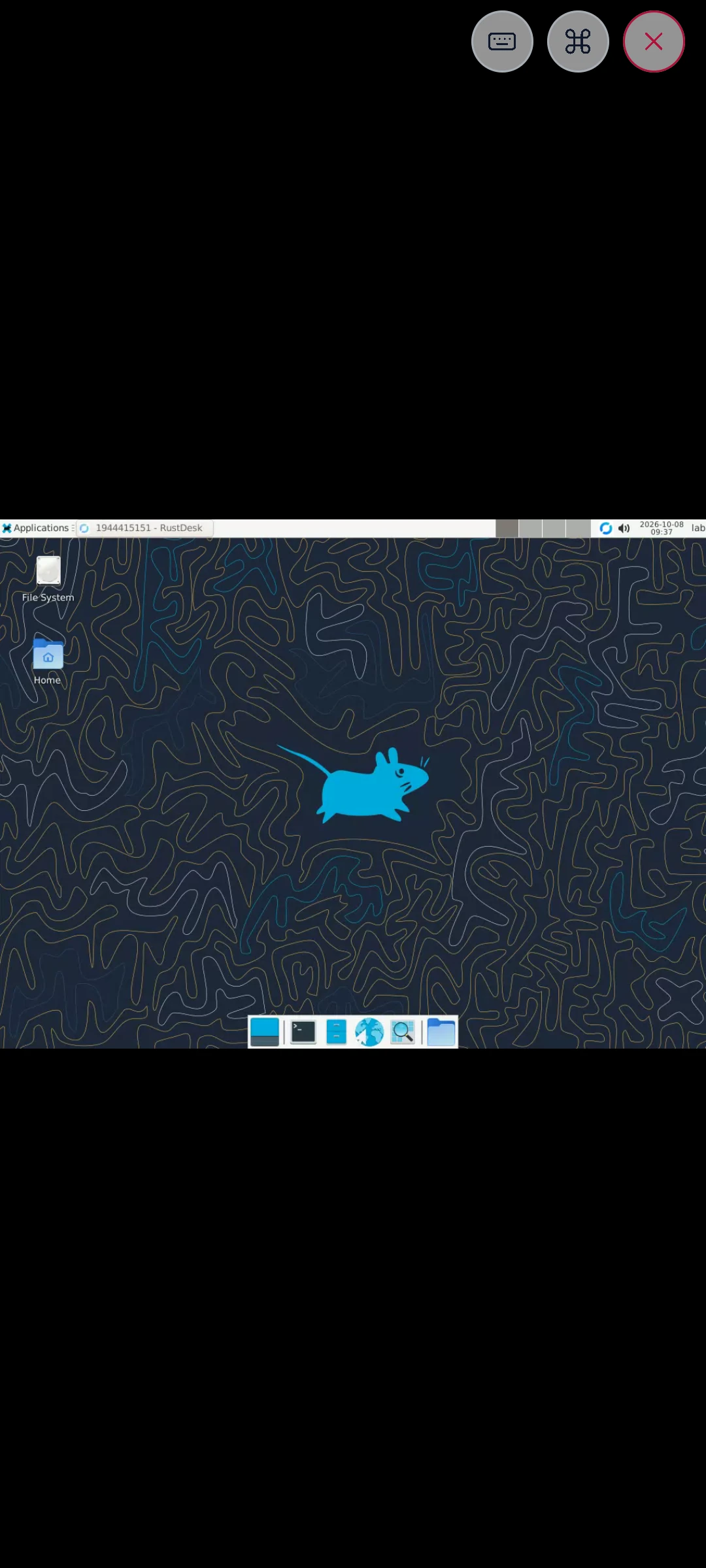
The viewer shows the computer's desktop, at home or, over NetBird, from outside. On the phone, three round buttons at its top right raise the keyboard, show a bar of special keys, and end the session.
When Connect shows a code in place of the viewer, Troubleshooting lists its cause.