
English
Terminal
Which account a terminal on a managed machine runs as, and which shell program it starts, is set on the Terminal tab. The agent's own package includes it, so every managed machine has the tab, with nothing to install. On Windows only the shell program is set, and a terminal runs as SYSTEM.
Set the account and the shell
- On the Terminal tab of the Modules page, pick an Account. The default is The agent's own (root; SYSTEM on Windows).
- Optional: fill Shell program with a full path, or select Browse… and pick the program.
- Select Apply terminal.
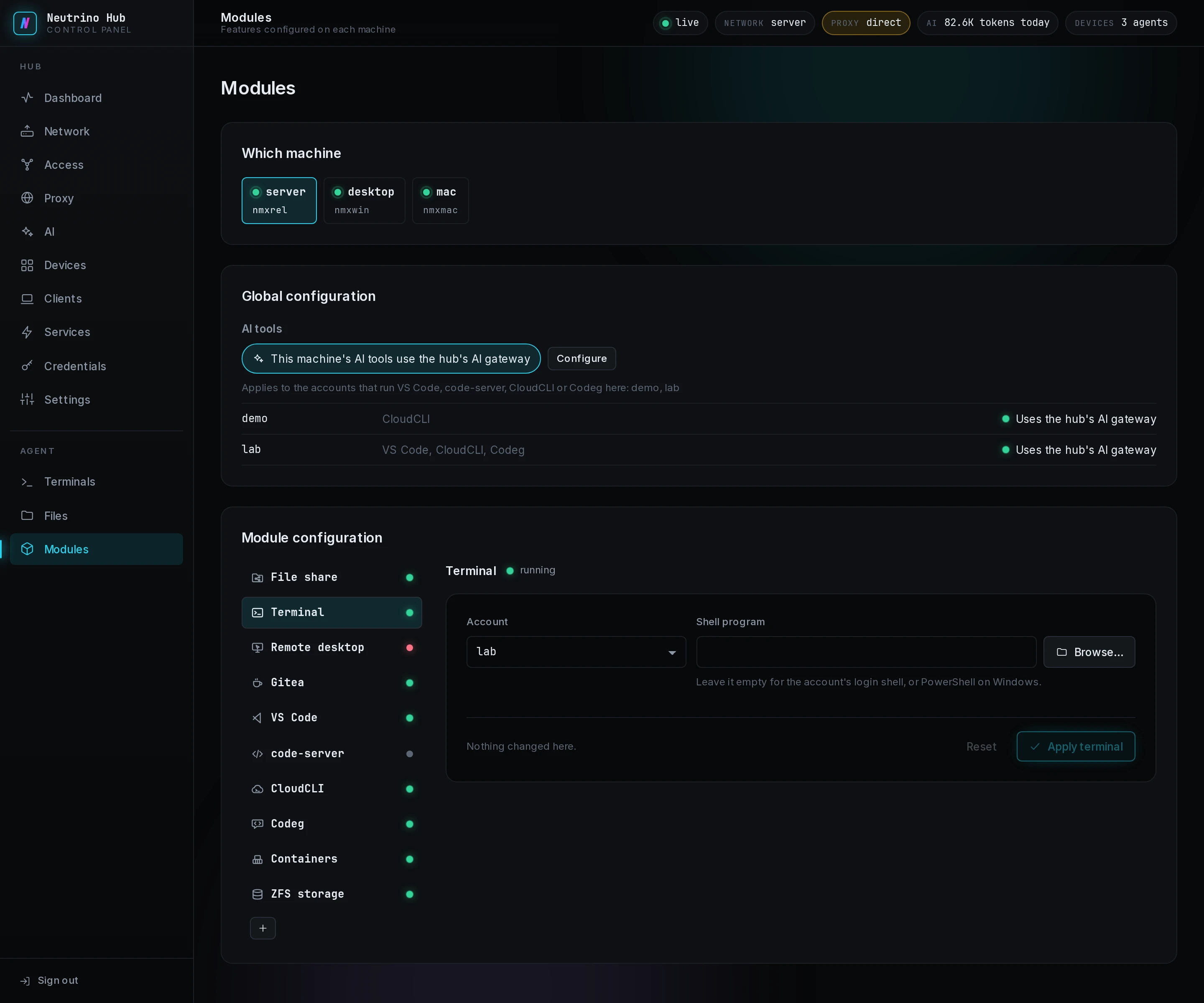
An empty Shell program means the account's login shell, and PowerShell on Windows. A terminal starts in the account's home folder, with its environment. The settings hold for every terminal opened afterwards, from the panel's Terminals page or a client.
A terminal whose account or program is gone from the machine closes with a code, and no root shell opens in its place. The codes are under Terminal in troubleshooting.