English
Share and mount files
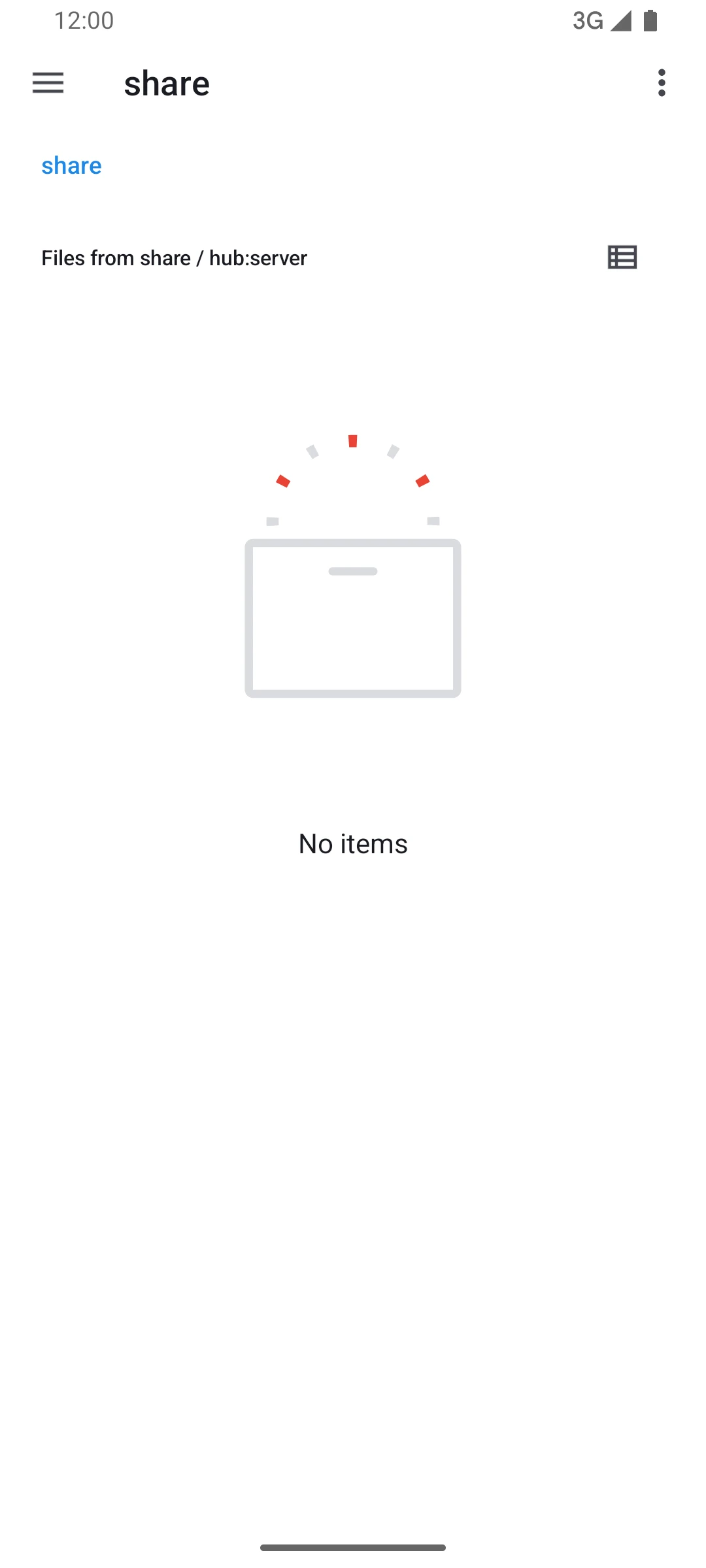
A folder on the computer becomes a file share. The laptop mounts it as a folder or a drive letter, and the phone opens it in Android's Files app.
Before you start, finish the Step zero, and pick a folder on the computer to share.
Share a folder
- On the panel's Modules page, select your computer under Which machine.
- Select the File share tab. If the tab is missing, select + at the end of the module list and tick File share.
- Select Install, and wait until the tab no longer reads installing.
- Select Configure.
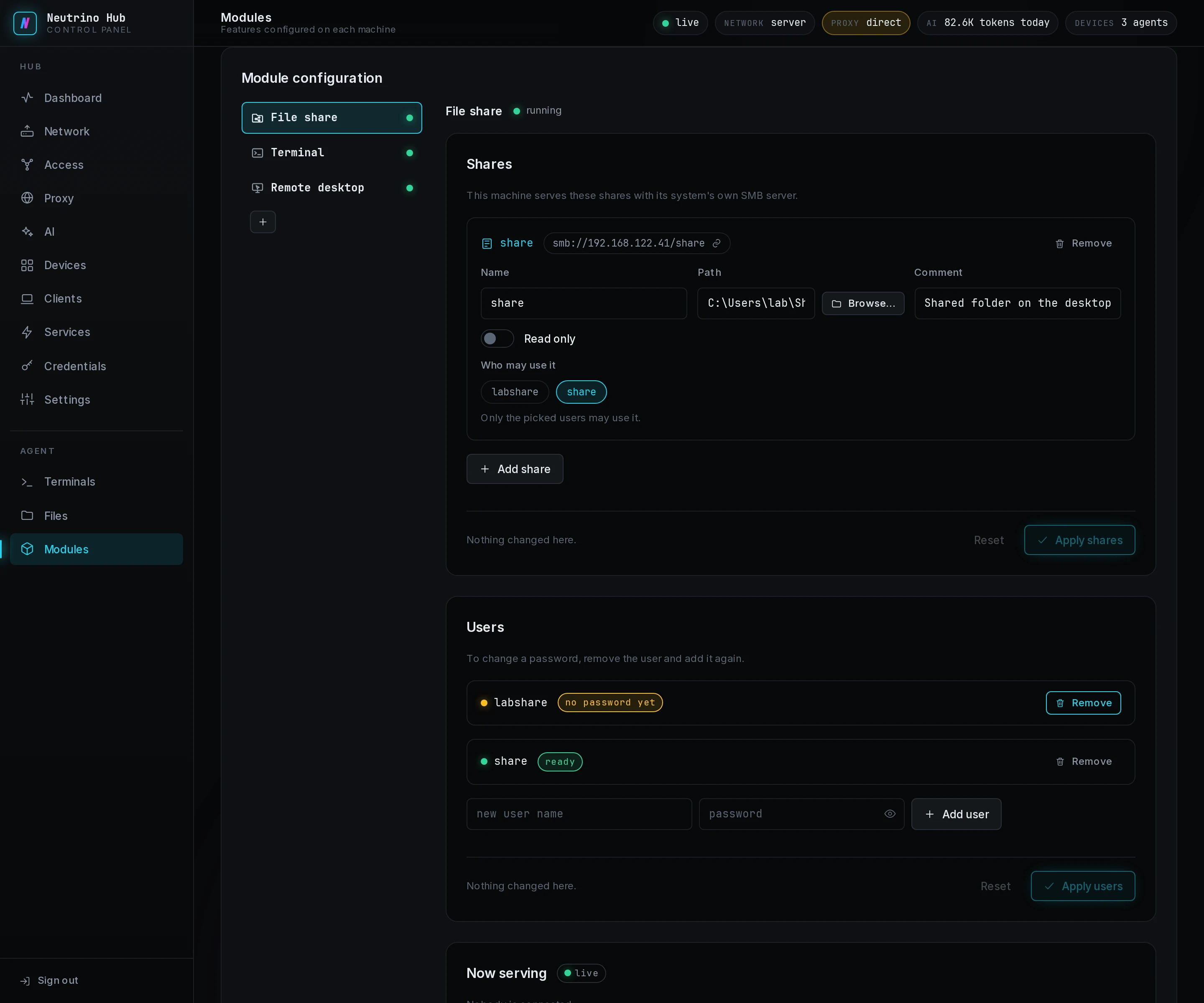
- Under Users, type a new user name and a password for the share, then select Add user.
- Select Apply users. The user's row reads ready.
- Under Shares, select Add share, type a Name, and type the folder's full path in Path, such as
/home/lin/DocumentsorC:\Users\Public\Documents. - Select Apply shares.
On Linux the install fetches Samba, and on macOS and Windows the module uses the SMB server that comes with the system.
Mount it on the laptop
- In the laptop's client window, open Files.
- On the share's row, select Configure.
- Type the user name in Share username and its password in Share password.
- On Linux, keep the Mount path or type another folder under your home. On Windows, pick a Drive.
- Select Save.
- Select Mount.
The button reads Mounting…, then Unmount. On Linux the share is a folder under your home; in a local desktop session polkit authorizes the mount without a prompt. On macOS it is a volume in the Finder, and on Windows a drive letter in File Explorer.


When the row shows a code, Troubleshooting lists its cause and fix.
Open it on the phone
- In the app, open Files.
- On the share's row, select Open in Files.
- Type the user name in Share username and its password in Share password.
- Select Connect.
Android's Files app opens the share, under the share's name, and its files open from there. Away from home, the share opens the same way over NetBird. When Connect fails, Troubleshooting has the fix.