
English
Ports
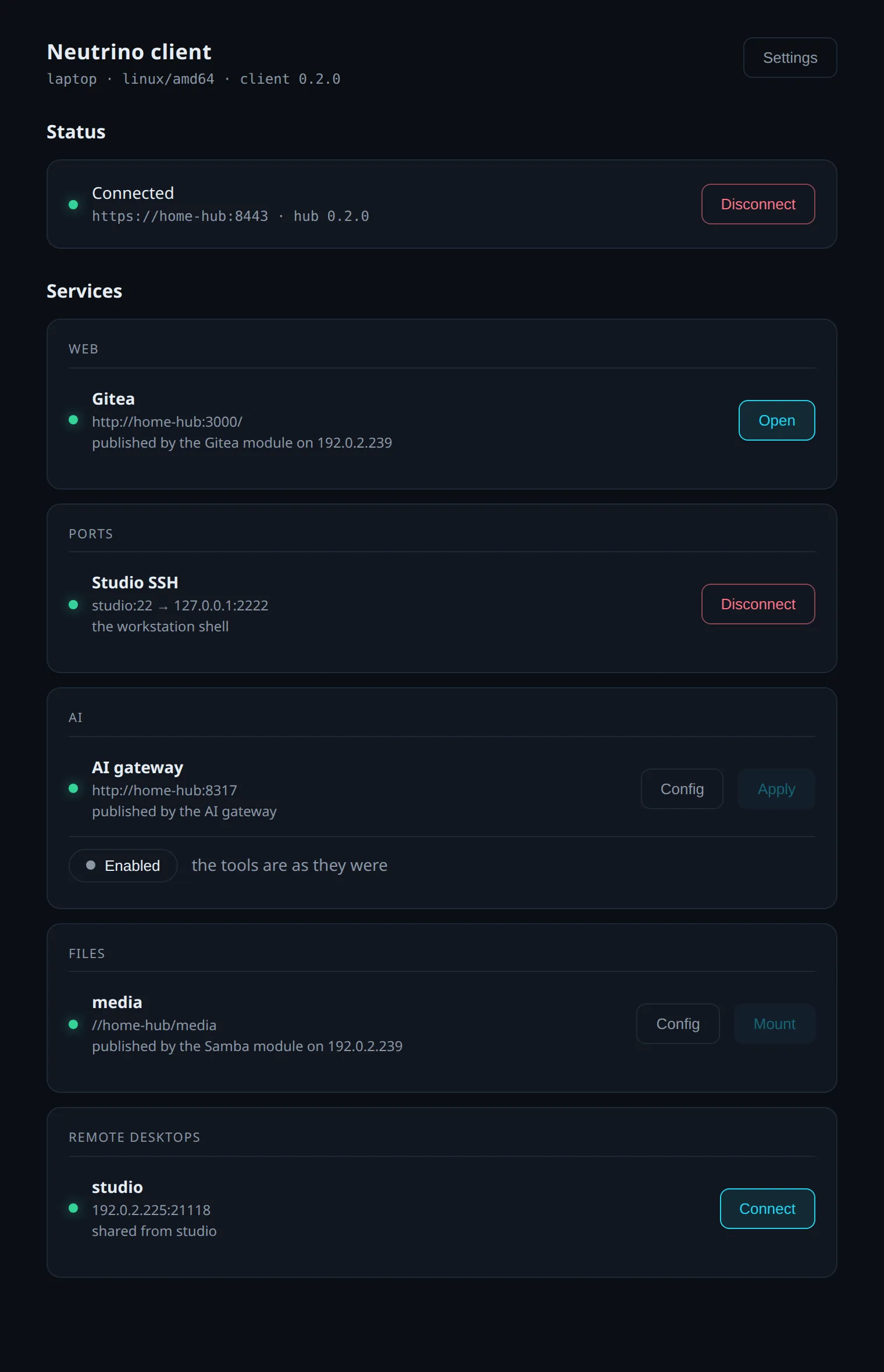
Ports published by the hub are relayed by the client's Ports panel to your computer's loopback address, where any program reaches them.
Where the entries come from
An entry in the Ports panel is a port the hub published. It is a host port a container publishes on a managed machine, or a TCP port declared by hand on the hub's Services page. The line under the entry says which.
Connect
- In the Ports panel, select Connect on the entry.
The row reads 127.0.0.1: followed by the local port, and the button reads Disconnect. The local port is the entry's own port when that port is free. When the port is taken, the client binds any free port and the row shows the one it got.
From a terminal, nclient service port forward <ref> opens the same relay, and --local-port <port> chooses the local port. <ref> is the entry's number in nclient service list or its id.
Disconnect
Disconnect closes the relay, as does nclient service port unforward <ref>. While a relay is open, every program on the computer can reach it, because the relay listens on the loopback address of the whole machine.